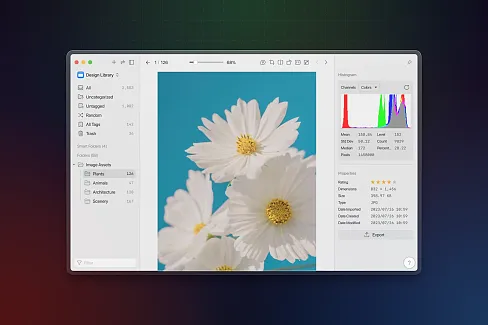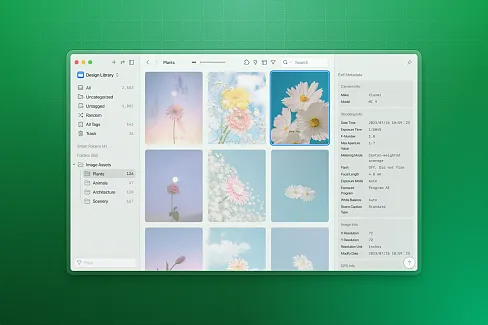

Select videos in Eagle, or drag video files into the plugin.
Pick a video, set trim range, and adjust output settings.
Run the batch. Use `Stop` to terminate the current task.
v1.1.0
2026-04-14
- [Optimization] Interface improvements
[Fixed] Fixed known bugs
v1.0.0
2026-04-07
- Batch trim Eagle videos with FFmpeg.
- Preview clips, edit trim ranges, and manage the processing list.
- Export locally, import to Eagle, or replace the source file.
You may also like