LUT Format Extension
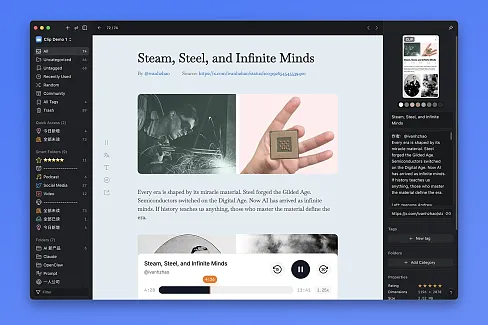
Transform your color grading workflow with instant LUT file visualization. Browse .cube and .3dl files directly in your Eagle library.
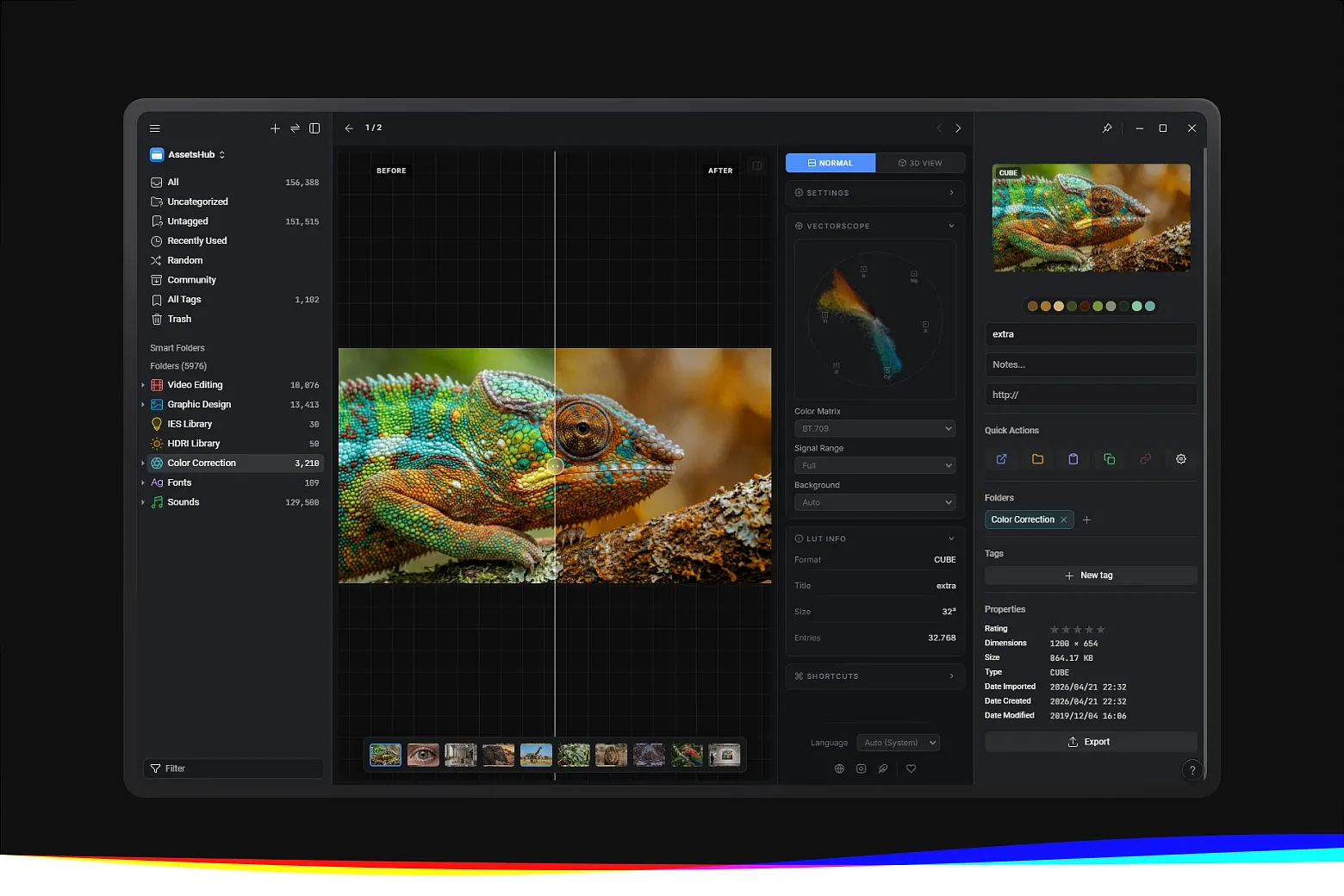
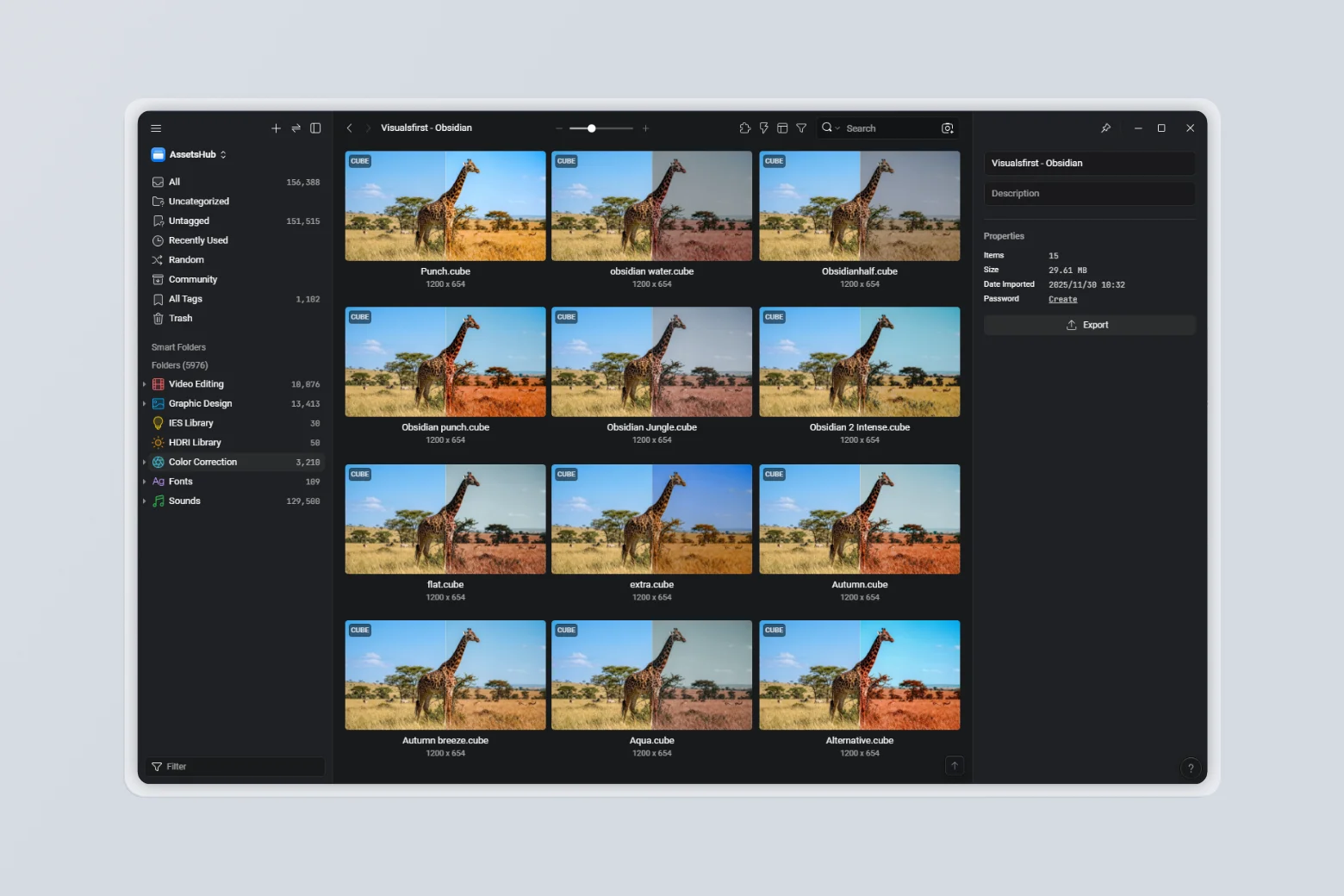
LUT Format Extension provides professional LUT file preview directly within Eagle. It allows working with .cube and .3dl files, streamlining workflows for designers, 3D artists, and color grading professionals.
Key Features
-
Professional Color Grading Support – View and manage LUT files (.cube, .3dl) directly in your library
-
Advanced Adjustments & Previews – Control intensity via slider, choose vertical, horizontal, or no split preview, and set split position
-
Custom Image Preview – Import a custom image to visualize how the LUT affects color
-
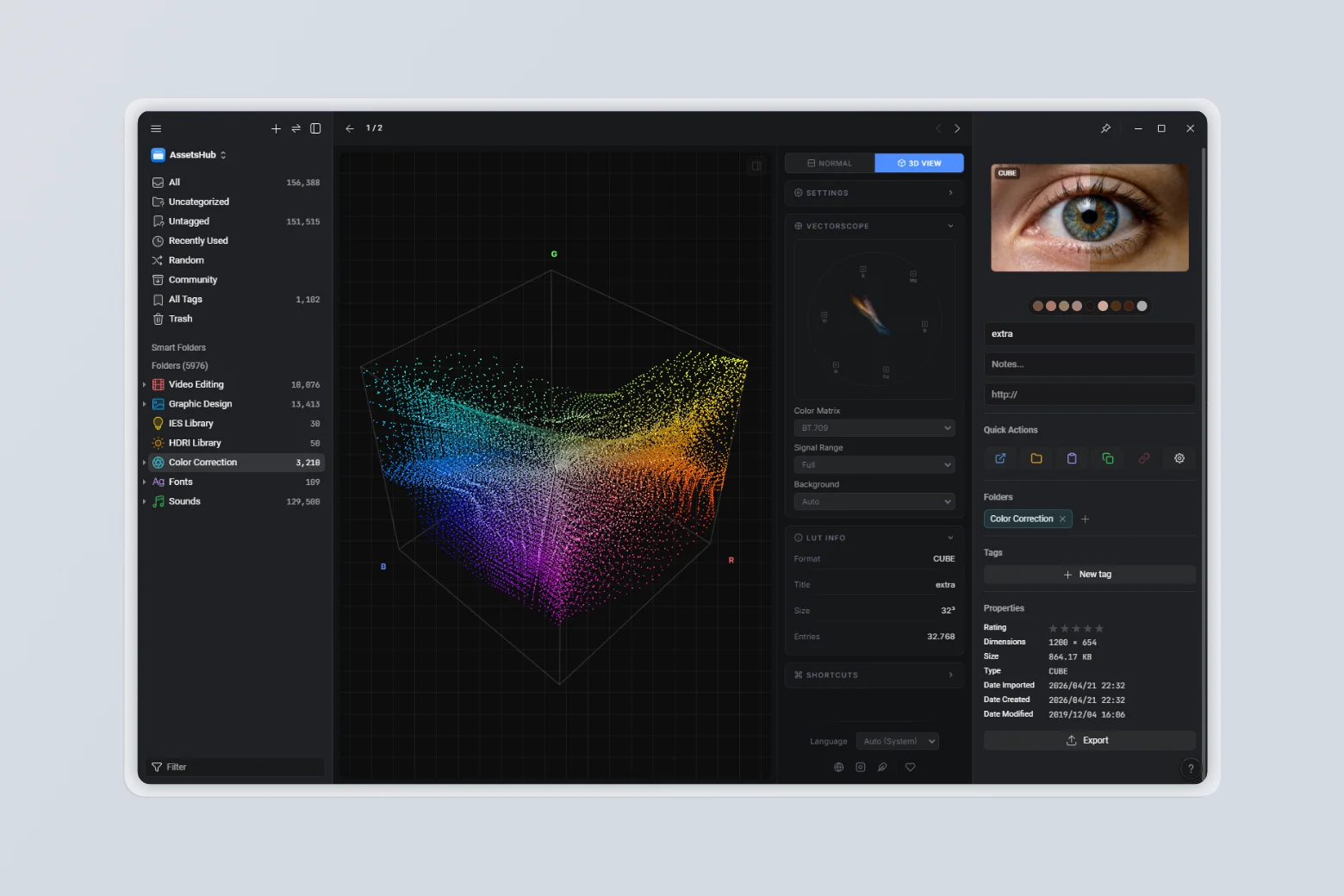
3D LUT Cube Visualization – Interactive 3D view of the LUT cube with controls for deformation, point size, density, show lines, show box, and auto-rotate
Vectorscope Analysis – Real-time vectorscope visualization for color distribution analysis with support for BT.709 / BT.601 matrices and Full / Video signal ranges
-
Custom Thumbnail Generation – Create preview thumbnails using imported images for each LUT
-
Theme Matching Eagle – Adapts to Eagle’s selected theme for comfortable viewing
-
Quick Thumbnail Refresh – Configure your preferred view, right-click one or more items, go to More → Refresh Thumbnail, or use the standard shortcut
Ctrl + Alt + R -
Multi-language Support – Available in 13 languages
How It Works
-
Install the LUT Format Extension in Eagle
-
Add your
.cubeor.3dlfiles to your library -
Select any LUT file to preview: adjust intensity, choose vertical, horizontal, or no split preview, set the split position, and import a custom image to test the LUT
-
Generate custom preview thumbnails using imported images
-
To update thumbnails, configure your view, right-click one or more items, choose More → Refresh Thumbnail, or use
Ctrl + Alt + R
[Feature] Introduced vectorscope visualization for real-time color analysis of the preview image
[Add] Added support for BT.709 and BT.601 color matrices in the vectorscope
[Add] Added signal range controls (Full and Video) for accurate vectorscope representation
Fixed incorrect .3dl preview rendering in thumbnails and viewer.
- Fixed normalization issues for .3dl LUTs with mismatched input/output ranges (e.g., 0–1023 to 0–4095).
- Fixed axis ordering in .3dl tables to ensure correct color display.
- Improved interpolation accuracy by better respecting LUT mesh points.
- Added stricter validation to prevent malformed .3dl previews.
- Initial preview release
You may also like