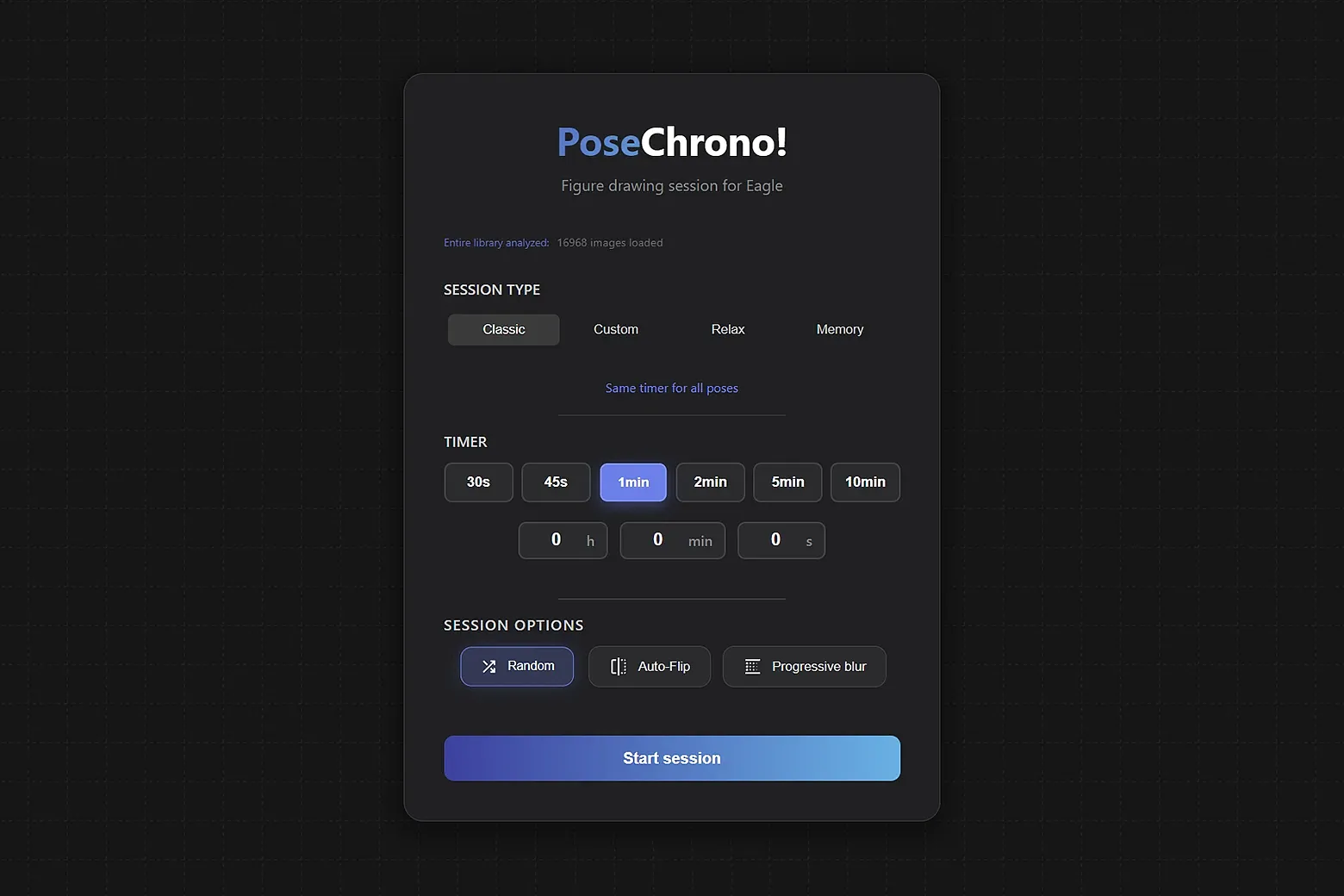
Transform your Eagle library into a professional training studio. Whether you have thousands of references or just a few targeted folders, organize custom timed drawing sessions to sharpen
Key Features:
Format Versatility: Full support for images, GIFs, and videos (.mp4) for moving or slow-motion models.
Training Modes: Multiple modes tailored to your needs, including random or manual sorting.
Artist Toolset: Silhouette view, B&W, Blurs, and custom grids/guides to check plumb lines.
Drawing Module: Integrated light table feature to scribble directly over your references.
Precision Tools: Built-in measuring tools (set units, compare lengths, and report measurements).
Progress Tracking: Comprehensive history to visualize your evolution and find practiced poses.
Supported Languages: English, Chinese (Simplified), Japanese, German, Spanish, Korean, Russian, French
- New filter: Edge detection (A new visual mode that isolates image edges. Can be combined with silhouette or/and blur filters)
- UI adjustements
- Sync module audit & polish
- Drawing synchronization (you can now sync/stream your drawing during sync-sessions)
- Optimisations
- Bug fixes
- UI enhancements
Online Figure Drawing Sessions: Host or join live drawing sessions with friends/students
UI/UX enhancements
Settings window (accessible via the title bar)
Drawing module : Added support for editable shapes (press ctrl to ignore corners or snap), canvas rotation (shift + space)
Customizable sidebar (Right-click the sidebar to access configuration options)
General optimizations
Various bug fixes
Initial preview release.
You may also like