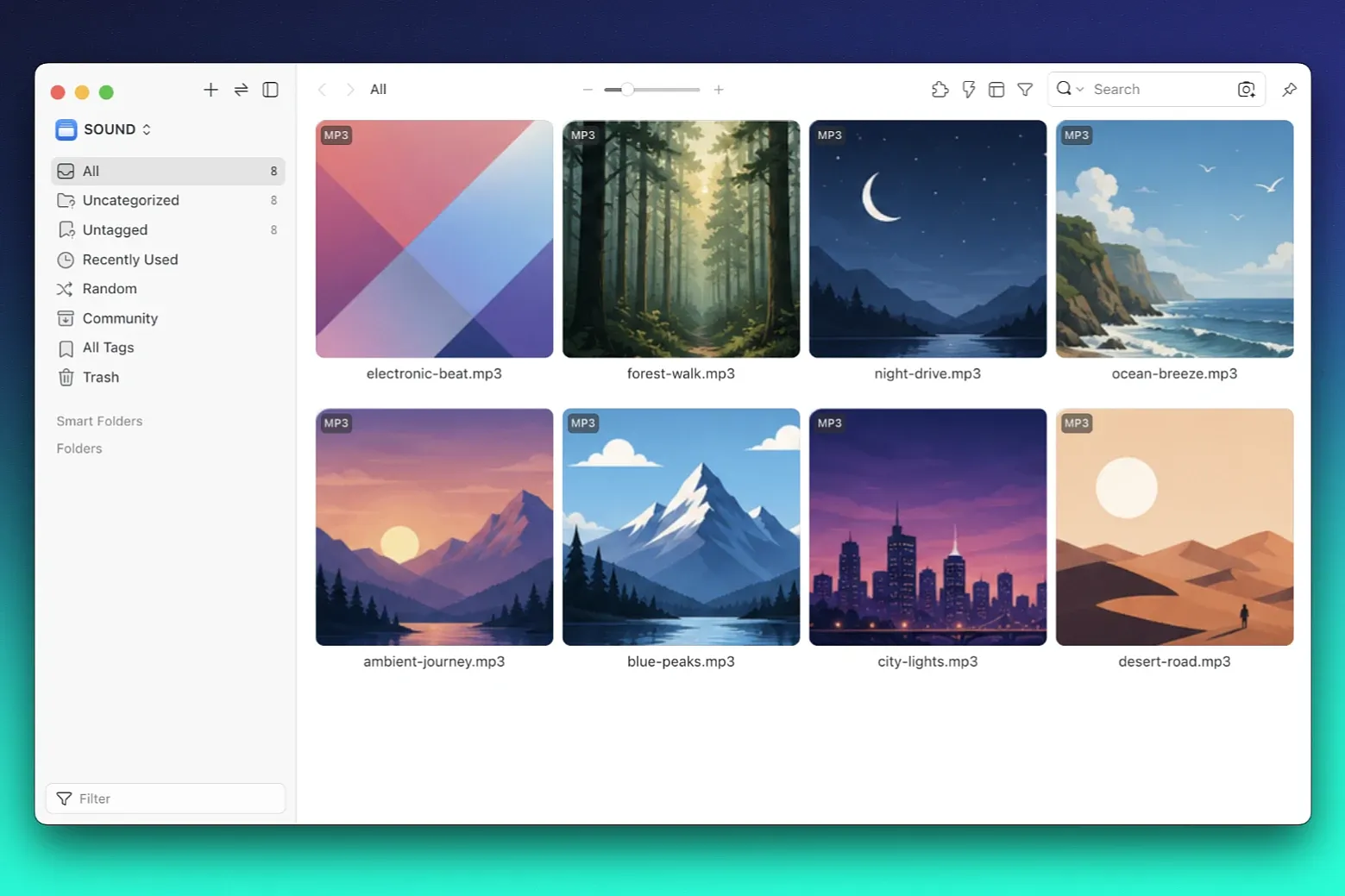
Features:
- Use embedded MP3 artwork as thumbnails
- Apply thumbnails when MP3 files are imported
- Backfill thumbnails for selected MP3 items
- Backfill thumbnails for all MP3 items in the current library
- Extract duration from MPEG audio frames
- Extract BPM from `TBPM`, `TBP`, `TXXX:BPM`, and `TXXX:Tempo`
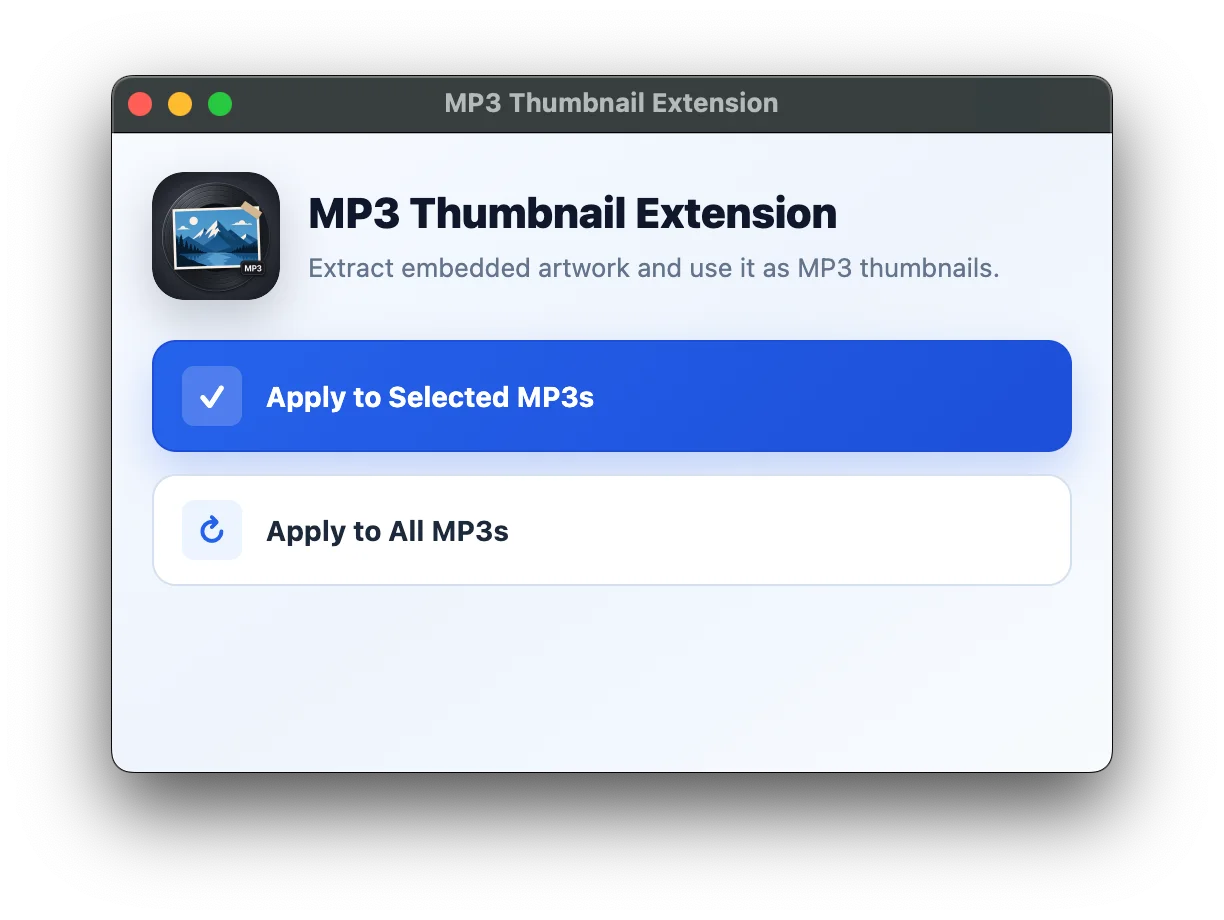
Usage:
- `Apply to Selected MP3s`: Updates only the currently selected MP3 items.
- `Apply to All MP3s`: Updates every MP3 item in the current library.
For existing libraries, test `Apply to Selected MP3s` on a few files first. If the result looks correct, run `Apply to All MP3s`.
Limitations:
- Eagle already has native MP3 waveform thumbnails. Import-time format extension behavior may depend on Eagle's internal format priority.
- Already-imported MP3 items may not be refreshed by Eagle's thumbnail refresh command. Use the plugin window backfill actions instead.
- BPM is only available when the source MP3 contains a supported BPM tag.
- Supports common ID3 artwork and metadata patterns.
NOTE:
- If thumbnails appear gray, try restarting Eagle to make them display in color.
- Inspector previews for MP3 files may remain gray due to Eagle's built-in MP3 handling.
v0.1.0
2026-06-25
Initial release